
Description
Diploma in Computer is designed for the students who are already familiar with the computer and want to increase knowledge further. Diploma in Computer teaches you advance of office package and many more. Basic knowledge of computer makes you easier to enjoy and learn this course.
Who Can Join Diploma in Computer Training?
There are no pre-requisites for this training but basic knowledge of computers is necessary to join this course. As this course is targeted for people who want to develop and further their understanding and adeptness in advance computer operation, we will start this course from scratch.
This course is especially suited for individuals that need to work with computers in their professional and personal works. Whether you are a CEO or a research student you have to use a computer for your work. With this course, you will be able to develop proficiency in using a computer and understand its operation.
Syllabus
Unit 1: Fundamental Concept of Computer (1 Hrs)
Definition/History of Computer, Characteristics/features of Computer, Classification of Computer. Knowledge of input/output, storage, processing and control.
Unit 2: Concept of OS (1 Hrs)
Introduction, versions of operating system, features of os.
Unit 3: English Typing (5 Hrs)
Process of Typing in Keyboard, Practice of English Typing
Unit 4: Notepad/WordPad (3 Hrs)
Features, Uses, Practice
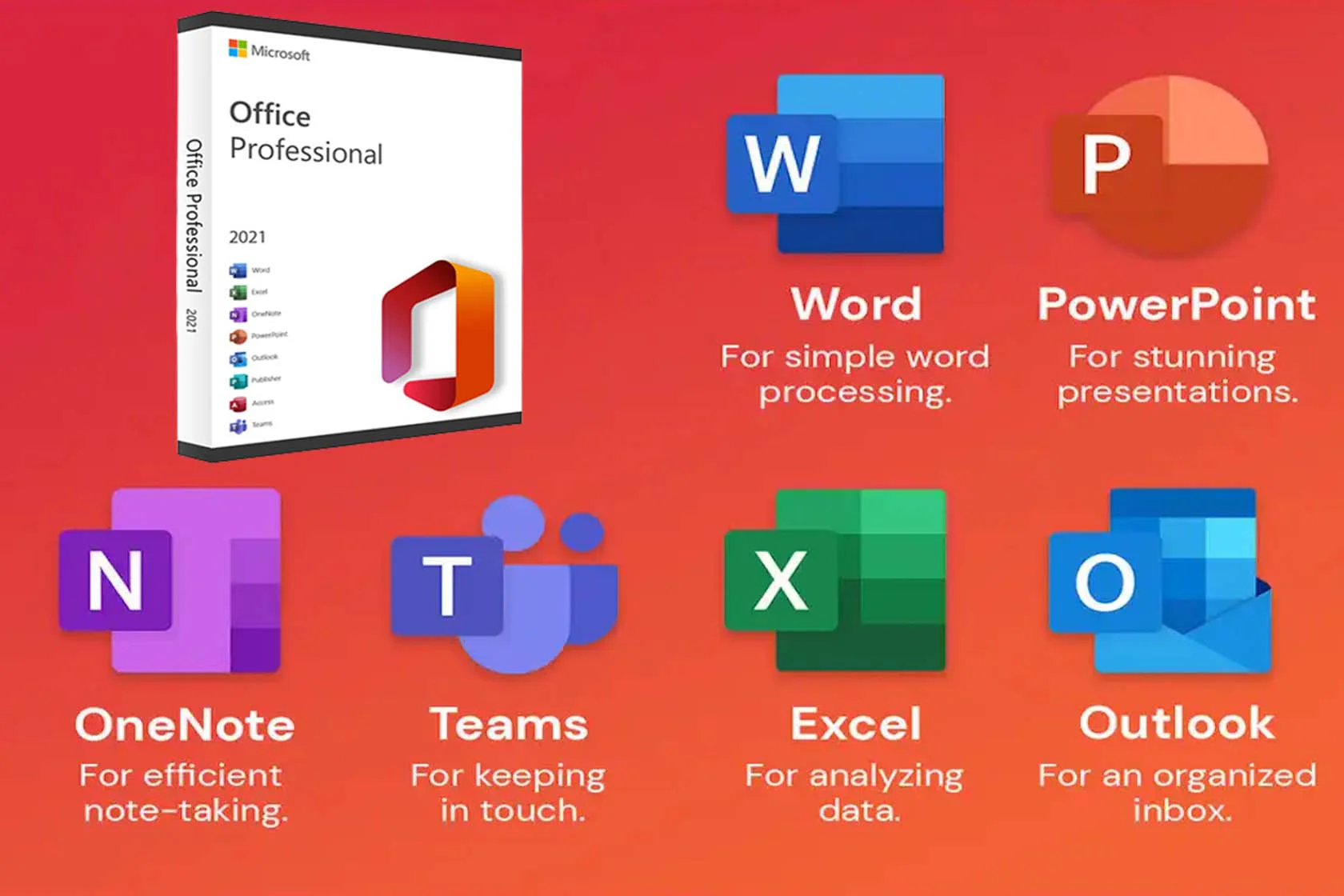
Unit 5: Microsoft Word (15 Hrs)
- Introduction and uses of Word
- Office Button
- Home Tab
- Clipboard
- Font
- Paragraph
- Styles
- Editing
- Insert Tab
- Pages
- Tables
- Illustrations
- Links
- Header & Footer
- Text
- Symbols
- Page Layout
- Themes
- Page Setup
- Page Background
- Paragraph
- Arrange
- References
- Table of Contents
- Footnotes
- Citations & Bibliography
- Captions
- Table Of Authorities
- Mailings
- Create
- Start Mail Merge
- Write & Insert Field
- Previous Results
- Finish
- Review
- Proofing
- Comments
- Tracking
- Changes
- Compare
- Protect
- View
- Document Views
- Show/Hide
- Zoom
- Window
- Macros
- Project Work
- Letters
- Different Cover Pages
- Question Papers
- ID Card/Business Card
- Advance Form
- Curriculum Vitae
- Advance Documents
- Report writing
Unit 6: Nepali Typing(5 Hrs)
Learn nepali typing and nepali keys placement on keyboard
Unit 7: Microsoft Excel (15 Hrs)
- Introduction and uses of Excel
- Concept of sheets
- Formula bar, Headings, zoom
- Office Button
- Home Tab
- Clipboard
- Font
- Alignment
- Number
- Styles
- Cells
- Editing
- Insert Tab
- Tables (table)
- Illustrations
- Charts
- Links
- Text
- Page Layout
- Themes
- Page Setup
- Scale to fit
- Sheet Options
- Arrange
- Formula
- Function Library
- Auto Sum (sum, average, count, max, min)
- Financial (FV)
- Logical (and, if, not, or)
- Text (lower, upper, text, concatenate)
- Date & Time (date, today, now, weekday, year)
- Lookup & Reference (hlookup, vlookup)
- Defined Names
- Formula Auditing
- Calculation
- Data
- Get External Data
- Connections
- Sort & Filter
- Data Tools
- Outline
- Review
- Proofing
- Comments
- Changes
- View
- Workbook View
- Show/Hide
- Zoom
- Window
- Macros
- Project Work
Unit 8: Microsoft PowerPoint (6 Hrs)
- Introduction and uses of PowerPoint •
- Concept of slides
- Office Button
- Home Tab
- Clipboard
- Slides
- Font
- Paragraph
- Drawing
- Editing
- Insert Tab
- Tables
- Illustrations
- Links
- Text
- Media Clip
- Design
- Page Setup
- Themes
- Background
- Animation
- Preview
- Animation
- Transition to this slide
- Slide show
- Start slide show
- Set Up
- Monitors
- Review
- Proofing
- Comments
- View
- Presentation View
- Show/Hide
- Zoom
- Color/Grayscale
- Windows
- Macros
- Project Work
Unit 9: Microsoft Office Access (3 Hrs)
- Concept of Database, Data type, Creating a blank database
- Datasheet
- Views (datasheet view, design view, form view)
- Create
- Tables
- Forms
- Reports
- Design
- Controls (Button)
- External Data
- Import (text file)
- Home
- Views (datasheet view, design view, form view)
- Clipboard
- Font
- Sort & Filter
- Find
- Project Work
Unit 10: Adobe Photoshop (10 Hrs)
- Introduction, Uses of Photoshop
- Create New Art board, Open, Open As, Print
- Tools (marquee tool, move tool, lasso tool, magic wand tool, crop tool, eyedropper tool, healing brush tool, brush tool, clone stamp tool, eraser tool, paint bucket tool/gradient tool, blur tool, type tool, shape tool, hand tool, zoom tool)
- Layers (layer style, create new layer, create new group, delete layer, rename layer,
lock layer) - Character (font, font size, font style, leading, kerning, tracking, vertically scale,
horizontally scale) - Project Work
- ID Cards/Visiting Card
- PP Size Photo
- Remove Pimple from Face
- Remove/Change Background of Image
- Others
Unit 11: Document Designing (3 Hrs)
Introduction, process of document designing
Unit 12: AI Tools (1 Hrs)
Introduction, ChatGPT and other AI tool
Unit 13: Google Apps
Introduction, Gmail, Drive, Docs, Sheet, Drive etc…
Unit 14: Canva (1 Hrs)
Introduction, Practice Work
Unit 15: Software Installation (1 Hrs)
Process of software installation in computer
Unit 16: General Hardware (1 Hrs)
Introduction, Examples of hardware