
Description
Basic Computer Knowledge is the first step towards a great career! However, there are not many who know about it! With basic knowledge, one can start building the base of his IT career. Also, an individual can even create wonders with just base-level knowledge!
In the modern IT world, computer is a common thing. Without it, a feeling that something is missing looms large. However, there are some who ignore the importance of beginner level knowledge. As such, they deprive themselves of fun, career, and opportunities to learn and grow!
Who Can Join Computer Basic Training?
There are no pre-requisites for this training and no prior knowledge about computers is necessary. As this course is targeted for people who want to develop and further their understanding and adeptness in basic computer operation, we will start this course from scratch.
This course is especially suited for individuals that need to work with computers in their professional and personal works. Whether you are a CEO or a research student you have to use a computer for your work. With this course, you will be able to develop proficiency in using a computer and understand its operation.
Syllabus
Unit 1: Introduction of Computer (1 Hrs)
Definition, History of Computer, Characteristics/features of Computer, Classification of Computer
Unit 2: Fundamental of Computer (1 Hrs)
The five basic operations that a computer performs are input, storage, processing, output and control. Folder, Taskbar, Recycle bin, Personalize.
Unit 3: English Typing (5 Hrs)
Process of Typing in Keyboard, Practice of English Typing
Unit 4: Notepad/WordPad (2 Hrs)
Features, Uses, Practice
Unit 5: Microsoft Paint (2 Hrs)
Features, Knowledge of tools of MS Paint, Practice Work
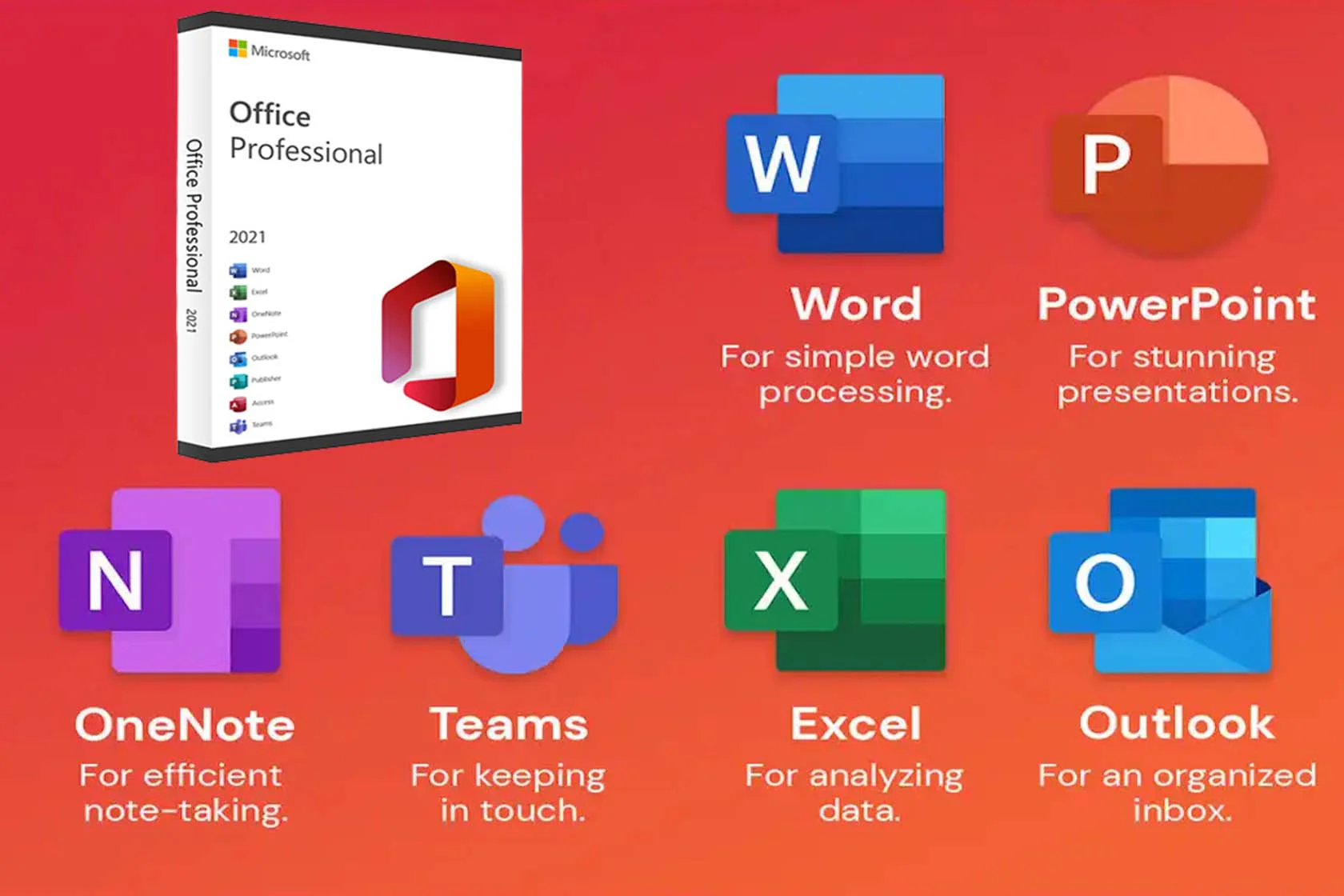
Unit 6: Microsoft Word (10 Hrs)
- Introduction and uses of Word
- Office Button(new, open, save, save as, print)
- Home Tab
- Clipboard (Copy, Cut, Paste)
- Font (font, font size, bold, italic, underline, strikethrough, subscript,
superscript, change case, text highlight color, font color, Alignment, list, line - spacing, shading, sort, border)
- Styles
- Editing (Find, Replace, Select)
- Insert Tab
- Tables
- Illustrations (picture, clip art, shapes, chart)
- Header & Footer (header, footer, page number)
- Text (text box, word art, drop cap, date & time)
- Page Layout
- Page Setup (margin, orientation, size, columns)
- Page Background (watermark, page color, page borders)
- Review
- Proofing (spelling & grammar, research, thesaurus, translate, word count)
- Comments (new comment, delete, previous, next)
- Protect (protect document)
- View
- Document Views (print layout, full screen reading, web layout)
- Show/Hide (ruler, gridlines, document map, thumbnails)
- Zoom (zoom, 100%, one page, two page, page width)
- Project Work
- Letters
- Simple Cover Page
- Question Paper
- ID Card
- Simple Form
- Curriculum Vitae
- Document
Unit 7: Nepali Typing (3 Hrs)
Nepali Typing and Keywords on keyboard
Unit 8: Microsoft Excel (6 Hrs)
- Introduction and uses of Excel
- Concept of sheets
- Formula bar, Headings, zoom
- Office Button(new, open, save, save as, print)
- Home Tab
- Clipboard (copy, cut, paste)
- Font (font, font size, bold, italic, underline, border, fill color, font color)
- Alignment (alignment, orientation, wrap text, merge)
- Number
- Style (concept of conditional formatting, format as table, cell style)
- Cells (insert, delete, format)
- Editing (sort & filter, find & select)
- Insert Tab
- Tables (table)
- Illustrations (picture, clip art, shapes, smart art)
- Charts (column, pie)
- Text (text box, word art, symbol)
- Page Layout
- Page Setup (margin, orientation, size, print area, background)
- Sheet Options (gridlines, headings)
- Formula
- Simple Calculations
- Auto Sum (sum, average, count, max, min)
- Logical (IF)
- Text (lower, upper, text)
- Date & Time (today, now)
- Review
- Proofing (spelling, research, thesaurus)
- Comments (new comment, delete, previous, next)
- View
- Workbook View (normal, page layout, full screen)
- Show/Hide (ruler, gridlines, formula bar, heading)
- Zoom (zoom, heading, zoom to selection)
- Project Work
Unit 9: Microsoft PowerPoint (3 Hrs)
- Introduction and uses of PowerPoint
- Concept of slides
- Office Button(new, open, save, save as, print)
- Home Tab
- Clipboard (copy, cut, paste)
- Slides (new slide, layout, delete)
- Font (font, font size, bold, italic, underline, strikethrough, text shadow,
- character spacing, change case, font color)
- Paragraph (list, alignment)
- Drawing (shapes, shape fill, shape outline)
- Editing (find, replace, select)
- Insert Tab
- Tables (table)
- Illustrations (picture, clip art, shapes, smart art, chart)
- Text (text box, word art, slide number, symbol)
- Media Clip (movie, sound)
- Design
- Themes
- Animation
- Transition to this slide
- Slide show
- Start slide show (from beginning, from current slide)
- Review
- Proofing (spelling, research, thesaurus)
- Comments (new comment, delete, previous, next)
- View
- Presentation View(normal, slide sorter, notes page, slide show)
- Show/Hide (ruler, grid lines)
- Zoom (zoom, fit to window)
- Project Work
Unit 12: Email & Internet (1 Hrs)
Introduction, Gmail, create Gmail id, send file using Gmail